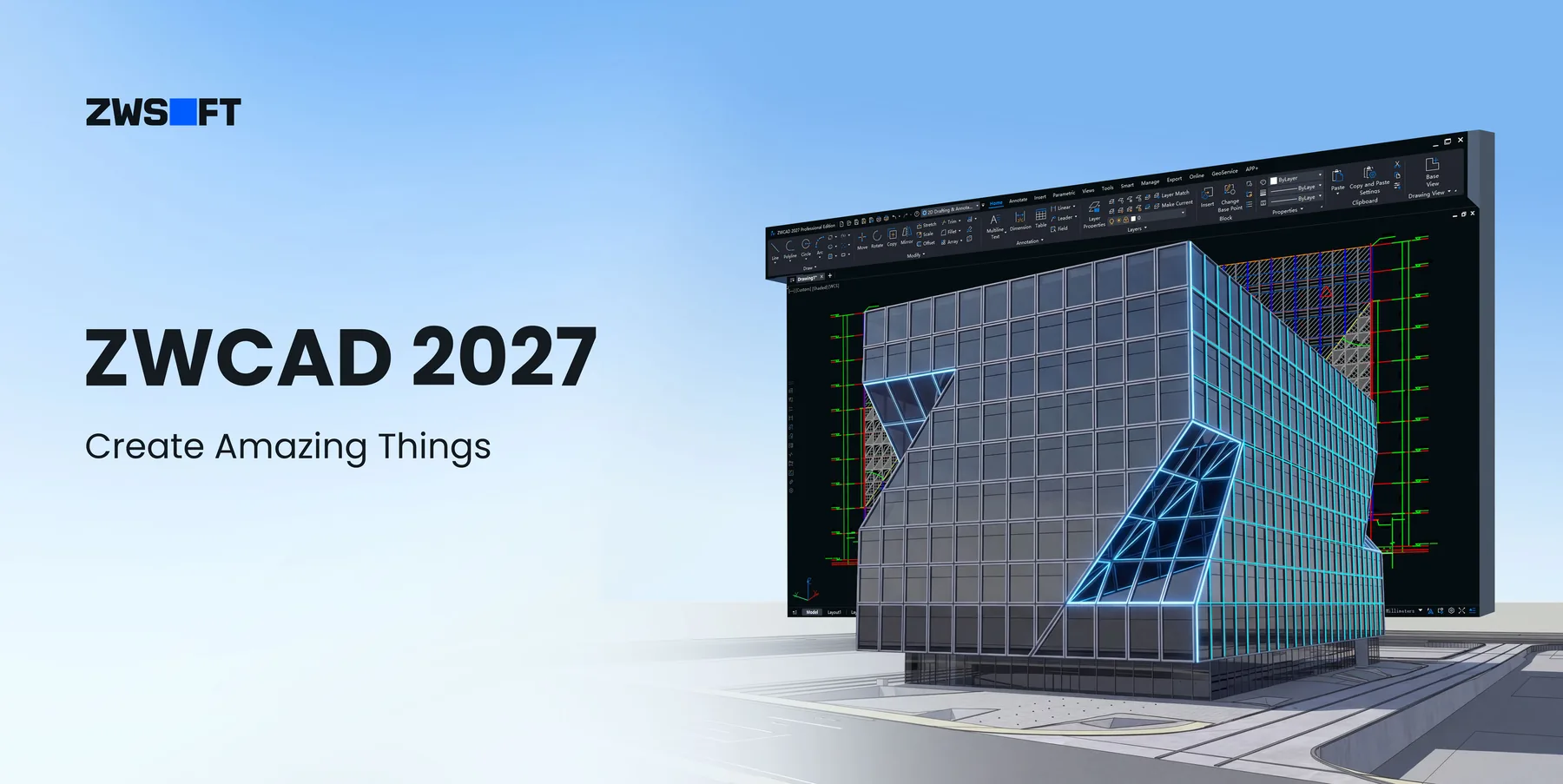
Professional-grade CAD software used by 1.4 million engineers, architects and designers in 90+ countries. Switch from your current CAD with less disruption, better cost control, and easier BIM integration.
Work seamlessly with DWG, DXF, DWT, IFC, RVT, STEP, PDF, and other common formats. Your existing drawing assets, templates, layers, and standards all transfer — no conversion headaches, no rework.
DWG NativeIFCRVT ImportPDF Import
🖥
Familiar Interface from Day One
Whether you prefer Classic or Ribbon layout, dark or light mode — ZWCAD adapts to how you already work. Command aliases and shortcuts follow AutoCAD conventions, so experienced users are productive within hours, not weeks.
Ribbon UIClassic ModeDark ModeCustom Shortcuts
🧩
Highly Customisable Platform
ZWCAD supports LISP, VBA, ZRX, and .NET APIs — the same interfaces used by AutoCAD plugins. Existing routines and third-party applications migrate with minimal adjustment. Over 400 industry-specific applications available.
LISPVBA.NET400+ Apps
🚀
Quick, Low-Risk Migration
Migrate your printer settings, templates, fonts, command aliases, and hatch patterns in a single import step. Cygnas Solutions provides hands-on migration support for UK firms — not just documentation, but a real consultant guiding the process.
Template ImportZero DowntimeUK Support
Benchmark Data
Powerful and Fast CAD: Do More in Less Time
ZWCAD delivers outstanding performance in both 2D drafting and 3D navigation — tested across thousands of real-world DWG files.
1.98×
Faster at Complex 2D Drafting
Tested across 500+ DWG files ranging from 0.017MB to 1,237MB. Operations include Open, Pan, Zoom, Copy, Move, Select, Erase, and Save. ZWCAD consistently completes these operations nearly twice as fast as AutoCAD.
3×
Faster in Advanced 3D Navigation
Tested across 600+ DWG files in 3D navigation scenarios — Open, Zoom, Pan, Save, and Shademode. ZWCAD's 3D engine outperforms AutoCAD by a factor of three on complex assemblies and large architectural models.
Performance tests conducted on 64-bit Windows 10, Intel i7, NVIDIA GeForce RTX 3060, 32GB RAM. Results may vary by hardware configuration, file complexity, and operating environment. Source: ZWSOFT benchmark data 2025.
Productivity Features
All the Tools Your Team Actually Uses — Plus More
Smart tools that cut repetitive work and get designs delivered faster.
⚙️
Parametric Design
Add geometric and dimension constraints to entities for quick size and shape adjustments across linked geometry.
📐
Flexiblock
Dynamic blocks with actions and parameters — change shape and configuration without recreating the block.
☁️
Point Cloud
Attach, edit, and manage complex point clouds smoothly — essential for renovation, as-built, and survey workflows.
📋
Sheet Set Manager
View, access, manage, and plot multiple drawings from a single panel — batch operations across entire drawing sets.
📄
PDF Import
Import multiple PDF pages as editable CAD objects in one step — no manual retracing of legacy documents.
🔍
File Compare
Spot differences between two drawing revisions instantly — highlighted visually for instant review and approval.
🎯
Smart Match
Automatically identify identical shapes and batch-edit them across a drawing — no manual hunting required.
🔎
Similar Search
Search for similar blocks in local files based on a specified graphic — instantly locate and reuse components.
🖨
Smart Plot
Batch plotting across files with automatic paper size matching — eliminate manual print setup for large drawing sets.
🎛
Smart Select
Filter objects by multiple conditions simultaneously — colour, type, attribute, layer — with a single command.
🖱
Smart Mouse
Trigger frequently-used commands with configurable mouse gestures — no keyboard required for common operations.
📊
Area Table
Calculate area and generate formatted tables automatically — essential for quantity takeoff and room scheduling.
🏗
RVT Import
Import Revit files (2015–2025) natively with full category, material, and layer structure preserved. No Revit licence needed.
✂️
3D Section View
Slice any 3D model using box or plane sections to inspect complex geometry from any angle without destructive editing.
📊
Batch Data Extraction
Extract data across multiple drawings simultaneously with reusable templates — outputs update automatically when source files change.
🖥
Refreshed Interface
15% more drawing space, redesigned icons, and a cleaner colour scheme that reduces visual fatigue on long working days.
🖨
Smart Merge
Optimal layout arrangement of drawings across output sheets — preview before print, with auto-wrap and frame matching.
🗂
Xref Display Control
Batch-override Xref layer colours with one click, or set rule-based filters that apply automatically on attach.
Ecosystem
400+ Third-Party Applications Across Every Industry
ZWCAD's open API platform supports LISP, VBA, ZRX, and .NET — the same interfaces as AutoCAD, so existing plugins migrate with minimal effort.
🏗 Architecture
🏛 Structural Engineering
🌍 GIS & Survey
🔧 Mechanical
⚡ Electrical
🏭 Plant Design
🌬 HVAC
🚧 Civil Engineering
🏗 Construction
🔩 Manufacturing
🔌 API: LISP
🔌 API: VBA
🔌 API: .NET
🔌 API: ZRX
Trusted by leading companies worldwide
ERICSSON
LG
VINCI
JOHNSON CONTROLS
TE CONNECTIVITY
COOPER STANDARD
EQUANS
149 Fortune 500 corporations
🏅 ZWCAD Gold Reseller — United Kingdom
Buy ZWCAD Through Cygnas Solutions and Get More Than Software
When you purchase ZWCAD through Cygnas Solutions, you're not just getting a licence key. You're getting a UK-based engineering partner who has done this migration over 100 times — and who will be with you through every step of the process.
Real engineers, in the UK, available by phone and email. Not a chatbot, not an offshore ticketing queue.
🔄
AutoCAD Migration Assistance
We guide your team through migrating templates, fonts, CTBs, LISP routines, and printer settings — hands-on.
🎓
Workflow-Specific Training
Training tailored to your industry and drawing types — not generic webinars from a slide deck.
🤝
Long-Term Partnership
We remain involved after purchase — software reviews, licence optimisation, upgrade planning as your team grows.
G2 Reviews
Rated #1 Easiest to Use in General-Purpose CAD — G2 2025
★★★★★
"ZWCAD offers a user experience that closely mirrors AutoCAD, with an interface, commands, and tools that feel immediately familiar. The transition was smoother than we expected."
Positron E.
Design Engineer · Small Business
★★★★★
"I like the ease of using the programme and how easy it is to find support online. I tried multiple different programmes and came back to ZWCAD. Would highly recommend it to others starting out."
Roger R.
Survey Engineer · Small Business
★★★★½
"The performance on large files is noticeably better than what we experienced with AutoCAD. Batch plotting alone has saved us hours per week on large infrastructure projects."
UK Civil Engineering Firm
Via Cygnas Solutions
FAQ
Common Questions When Switching from AutoCAD
Is ZWCAD a genuine AutoCAD alternative — or just a cheap copy?⌄
ZWCAD is a fully independent, professional-grade CAD platform developed by ZWSOFT over 25+ years. It is DWG-native and supports the same file formats, APIs, and workflow conventions as AutoCAD — but runs on its own independent engine. It is not a reskin or fork of AutoCAD. It has 1.4 million users globally and is used by 149 Fortune 500 companies.
Will my AutoCAD DWG files, templates, and LISP routines work in ZWCAD?⌄
Yes. ZWCAD has native DWG compatibility and supports the same LISP, VBA, and .NET APIs. Most routines migrate with little or no modification. Cygnas Solutions tests your existing routines as part of the onboarding process and advises on any adjustments needed.
Can I get a perpetual licence — one I own outright?⌄
Yes. ZWCAD offers perpetual licences, which means you pay once and own the software permanently. Flexible upgrade support is optional, so you choose when and how to access future versions instead of being locked into subscription-only renewal.
How long does the migration process take?⌄
Most UK firms we've worked with are operational in ZWCAD within one to two weeks — including template migration, training, and testing of existing routines. For larger teams, we stage the rollout to maintain project continuity throughout the transition.
What support do I get if I buy through Cygnas Solutions?⌄
UK-based technical support by phone and email, a dedicated onboarding call, migration assistance for templates and routines, workflow-specific training, and ongoing licence management support. We remain available after purchase — we don't disappear once the invoice is paid.
Beta Available Now — Official Launch May 2026
ZWCAD 2027. Create Amazing Things.
The most significant ZWCAD release in years. Native Revit file import. 150% faster block editing. One-click data extraction across entire drawing sets. And a refreshed interface designed around the way engineers actually work.
No padding. No checkbox features. Each capability in this release was built because engineers and architects asked for it.
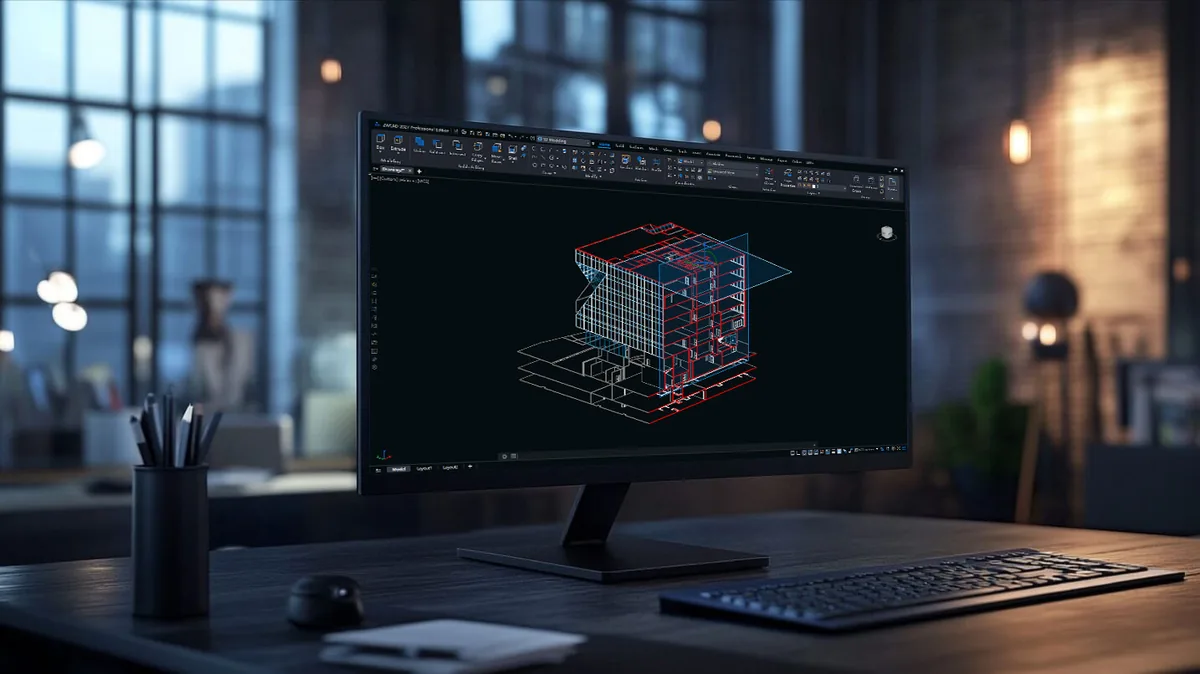
Feature 01
🏗
RVT Import — BIM without the Revit licence
Import Revit files (versions 2015–2025) directly into ZWCAD. Geometry, categories, families, materials, and layer structures are preserved and immediately manageable through ZWCAD's layer panel — no Revit licence, no manual conversion, no waiting for someone else to export a DWG.
BIM Connectivity
▶ Insert: RVT Import — from ZWSoft 2027 video pack
Feature 02
✂️
3D Section View — inspect models without dismantling them
Slice through any 3D model using box or plane sections — instantly see what's inside without destructive editing. Works across DWG, RVT, and IFC models. Eliminates the "can you send me a section at grid C?" back-and-forth that slows collaborative projects.
Efficiency
▶ Insert: Section View — from ZWSoft 2027 video pack
Feature 03
📊
Batch Data Extraction — the spreadsheet you used to build by hand
Pull data from dozens of drawings simultaneously. Reusable templates. Auto-updating outputs when source drawings change. Paired with coordinate extraction and area/perimeter calculations, this is a step-change for anyone doing quantity takeoff or project scheduling from CAD files.
Efficiency
▶ Insert: Data Extraction — from ZWSoft 2027 video pack
Feature 04
🖨
Smart Merge — your plotter will thank you
Automatically calculate the optimal arrangement of drawing layouts across output sheets. Preview before you commit. Particularly valuable for teams using roll-format plotters on large infrastructure or planning submissions — where inefficient nesting adds up to real material cost.
Output
▶ Insert: Smart Merge — from ZWSoft 2027 video pack
Feature 05 + 06
🗂
Xref Display Control
Batch-set layer colours for all external references in one click — or apply rule-based override filters that activate automatically on attach. Source files remain untouched. Consistency across your whole team, without relying on anyone remembering to do it manually.
Collaboration
▶ Xref Display
🖥
Refreshed Interface — 15% More Drawing Space
A unified colour scheme, redesigned icons, and a layout reconfigured to give designers 15% more drawing area. Designers spend entire working days in their CAD environment — ZWCAD 2027 was built with that reality in mind.
User Experience
📷 Insert: ZWCAD 2027 Interface — from ZWSoft marketing pack
Side by Side
ZWCAD 2027 vs AutoCAD 2027
A factual comparison — no spin, just features. The full 200+ feature document is available on request.
Feature
ZWCAD 2027
AutoCAD 2027
Perpetual licence (own it outright)
✔
Sub only
Native RVT (Revit) file import
✔
✗
Smart Merge — print layout optimisation
✔
✗
Area & perimeter measurement table
✔
✗
Batch coordinate extraction to table
✔
✗
Barcode & QR code generation
✔
✗
3D Section View (box & plane)
✔
✗
Full DWG native read/write
✔
✔
Xref colour override (batch)
✔
✔
Smart block placement (auto-align)
✔
✔
Full 200+ feature comparison available on request — contact us.
🏅 ZWCAD Gold Reseller — United Kingdom
Try ZWCAD 2027 Beta — with Cygnas guiding you through it
Register through Cygnas Solutions and get a personalised download link, UK setup guide, and a free 30-minute onboarding call with a technical consultant. Not a chatbot — a real person who has done this 100+ times.
Find Out Exactly How Much Your Team Would Save by Switching to ZWCAD
Configure your perpetual licence below and see a real-time cost comparison against AutoCAD's current UK subscription pricing — per year and across your intended renewal period.
🧮
ZWCAD vs AutoCAD — Cost Comparison Calculator
Prices shown in GBP. AutoCAD pricing benchmark: $1,890/year per seat. ZWCAD pricing uses Cygnas Solutions UK indicative perpetual rates.
Number of licences (seats)
How many team members need access to ZWCAD?
ZWCAD edition
Choose the tier that matches your workflow requirements.
Licence type
Standalone: one user per machine. Network: shared pool across your team.
Perpetual licence route
ZWCAD is shown as perpetual-only. Flexible upgrades add ongoing update access and priority support without changing the licence ownership model.
Comparison period (years)
AutoCAD is subscription-only. How many years do you plan to use CAD software? This determines your total AutoCAD cost.
AutoCAD benchmark price: $1,890/year per seat, converted at £1 = $1.25. ZWCAD prices are Cygnas Solutions UK indicative perpetual prices and may vary; contact us for an exact quote. Flexible upgrades are estimated at 18% of perpetual price per year. Prices exclude VAT. Network licence includes 15% uplift on perpetual price.
Licence Tiers
Choose the Right Version for Your Business
All tiers include full DWG compatibility, UK-based support from Cygnas Solutions, and a free 30-day trial before you commit.
Standard
ZWCAD Standard
Cost-effective 2D CAD for professional 2D drafting
Prices shown are indicative UK prices excluding VAT and optional flexible upgrades. Contact Cygnas Solutions for an exact quote based on your requirements. Network licence pricing available on request.
Licence Models Explained
Control Your Software Investment
🏛
Perpetual Licence
Pay once and own the software permanently. No annual subscription required. Upgrade timing is under your control, so your CAD investment is not tied to automatic subscription renewal.
🔄
Flexible Upgrades
Add flexible upgrade support to a perpetual licence when you want access to future version updates and priority support. It keeps the ownership model intact while giving your team a smoother upgrade path.
💻
Standalone Licence
Tied to one specific machine. Suitable for individual workstations or dedicated CAD terminals where a single user works from a fixed location. Most straightforward to manage for smaller teams.
🌐
Network Licence
A pool of licences shared across your TCP/IP network, managed by a Network Licence Manager on your server. Particularly efficient for teams where not all users need simultaneous access — a pool of 8 can often serve a team of 12.
🏅 ZWCAD Gold Reseller — United Kingdom
Ready for an exact quote tailored to your team?
The calculator gives you a strong indicative figure. For an exact quote — including volume discounts, network pricing, and flexible upgrade options — speak to Cygnas Solutions directly. We'll respond within one working day.